
How to Choose the Right TV Mount for Your Space
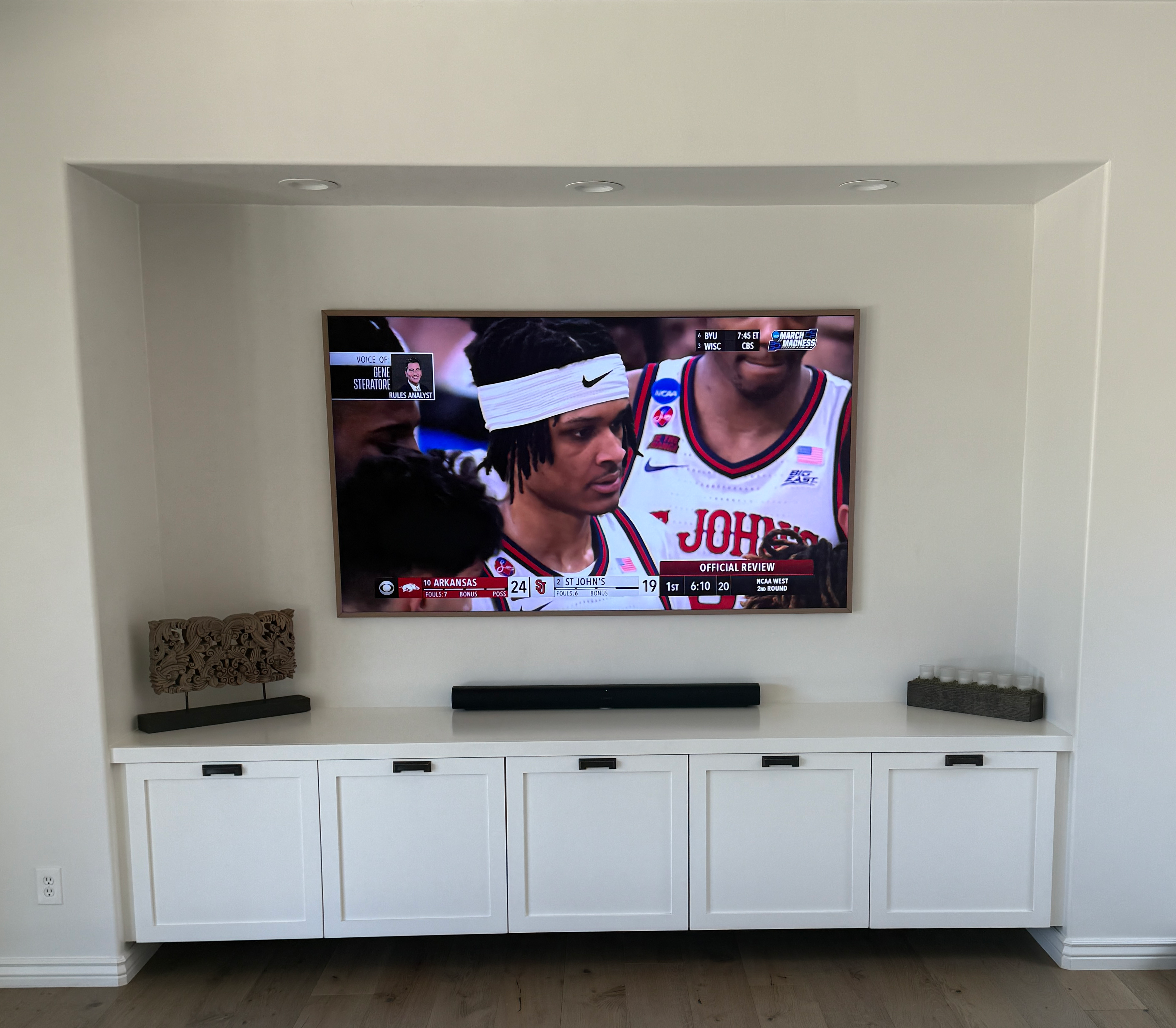
A Who’s Your Tech Guide to Mounting Like a Pro
Wall-mounting your TV isn’t just about saving space—it’s about creating a clean, modern look and enhancing your viewing experience. But with so many mounting options out there, how do you know which one is right for your setup?
In this blog, we’ll walk you through the different types of TV mounts, key things to consider before buying, and tips to get it done right—whether you’re DIY-ing or calling in the pros.
Why Mount Your TV?
- Saves space by removing bulky furniture
- Improves viewing angles
- Protects your screen (especially with kids or pets around)
- Creates a sleek, professional aesthetic
Types of TV Mounts (with Examples)
- Fixed Mount
- Best for: Simple, eye-level installations where the TV won’t need to move
- Example: Mounting a living room TV directly across from your couch
- Pros: Slim, budget-friendly, sturdy
- Cons: No tilt or swivel—harder to access cables
- Tilting Mount
- Best for: TVs mounted higher on the wall (e.g., bedroom or above a fireplace)
- Example: Angling the TV downward for better viewing from bed
- Pros: Easy vertical adjustment, helps reduce glare
- Cons: Limited range of motion, sticks out more than fixed mounts
- Full-Motion or Articulating Mount
- Best for: Corner mounts or rooms with multiple seating areas
- Example: A family room where you swivel the screen between couch and kitchen
- Pros: Maximum flexibility—tilt, swivel, extend
- Cons: Higher cost, more complicated install, may require reinforced wall support
- Ceiling Mount
- Best for: Commercial spaces, basements, or areas with limited wall space
- Example: Home gym or game room setup
- Pros: Unique solution for tricky layouts
- Cons: Needs secure ceiling structure, visible mounting hardware
What to Consider Before Mounting
✅ TV Size and Weight
Always check your TV’s VESA pattern (bolt hole spacing) and weight rating, then match that to the mount’s specs.
✅ Wall Type
- Drywall over studs? Easy with the right tools
- Concrete or brick? You’ll need special anchors and a hammer drill
- Metal studs? Definitely trickier—professional install recommended
✅ Viewing Height & Distance
The center of your TV should ideally sit at eye level when seated. For best results, measure your seated eye height and mount the TV so the center lines up.
✅ Cable Management
Plan ahead for power and HDMI cords. Use in-wall rated cables or a cable raceway for a clean, hidden look.
DIY or Call the Pros?
If you’re comfortable with a level, drill, and stud finder—go for it. But if you’re dealing with tricky walls, large TVs, or want a seamless finish with soundbar and cable concealment, it’s worth having a pro handle it.
At Who’s Your Tech, we handle:
- TV mounting (all types)
- Soundbar integration
- Hidden cable routing
- Smart remote and app setup
- Post-installation testing
Wrap-Up: Picking the Right Mount
Think about how you use your space, who’s watching, and how often you’ll need to adjust the screen. Then pick the mount that makes the most sense—functionally and visually.
Need help deciding or want a full install? Give us a call or text at (480) 559-9897. We’ll guide you to the best setup for your space.